
Is Craiyon free?
Limited free AI image generation for simple illustrations and visual experiments, with watermarks.
Current free offer summary
Free access includes limited base-quality images with watermarks and possible waits. A fixed image count and reset schedule are not stated. Text-only generation does not use edit credits; image-input and retouch actions are separate.
Craiyon image examples
Artwork featured on Craiyon's official site. Select an image to view it full size.
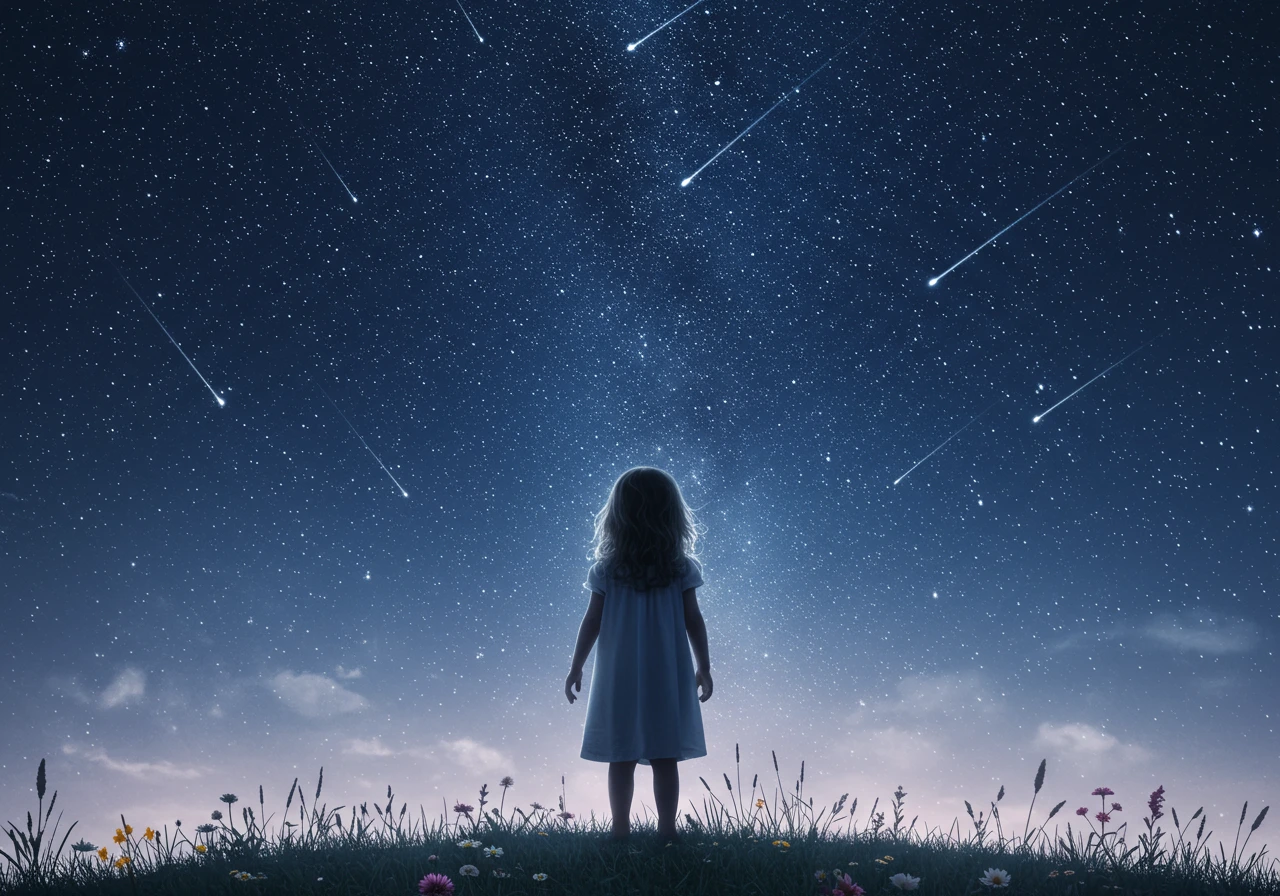
A clear subject in a wide scene
The small figure gives the expansive sky a focal point. For a slide, check that the subject stays recognizable at presentation size and place your heading where it remains readable against the stars.
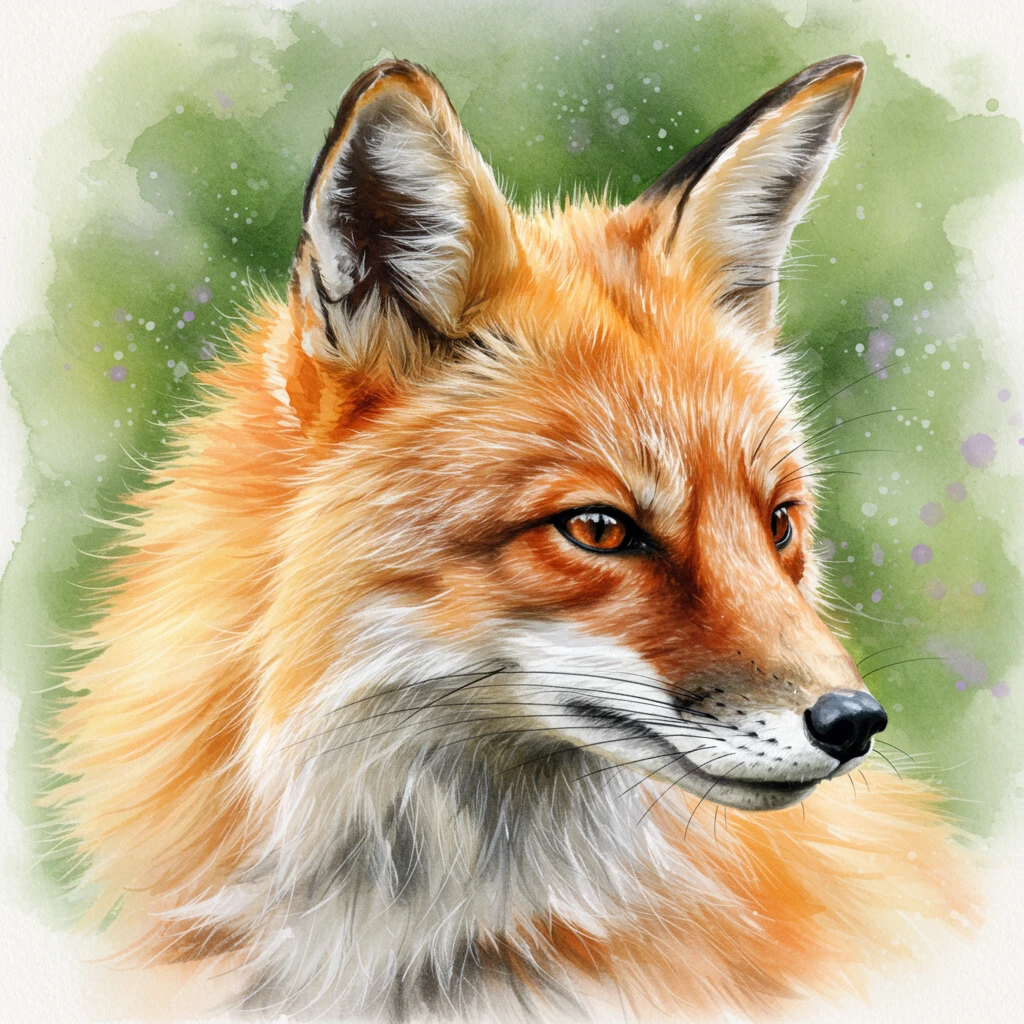
A single-subject illustration
A close crop and soft background keep attention on the fox. Inspect ears, eyes, fur edges and whiskers before using a similar image; one subject can be easier to fit beside editable slide text than a busy scene.
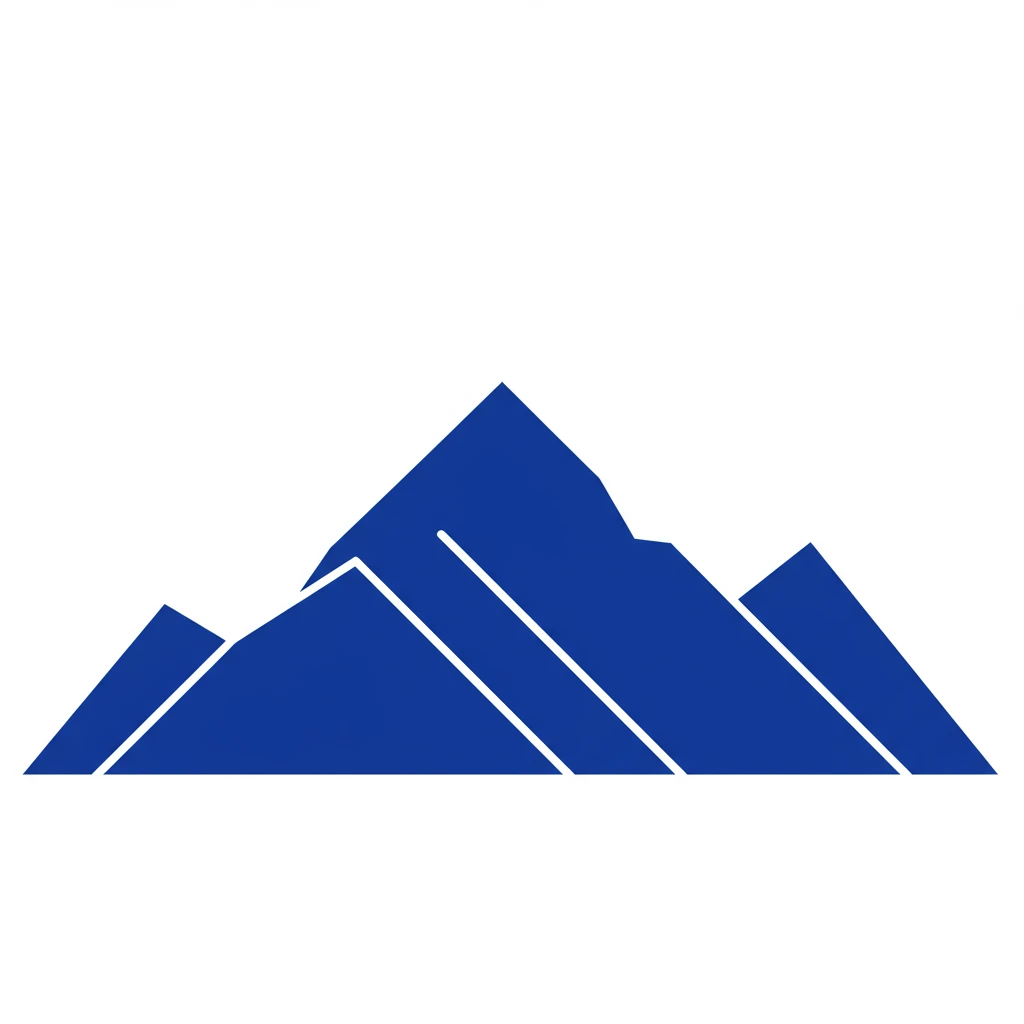
Simple shapes for small-size clarity
A limited palette and broad shapes can work at a small size. This WebP is a raster preview: a vector-like appearance does not establish editable paths or an SVG download. Check thin lines after resizing.
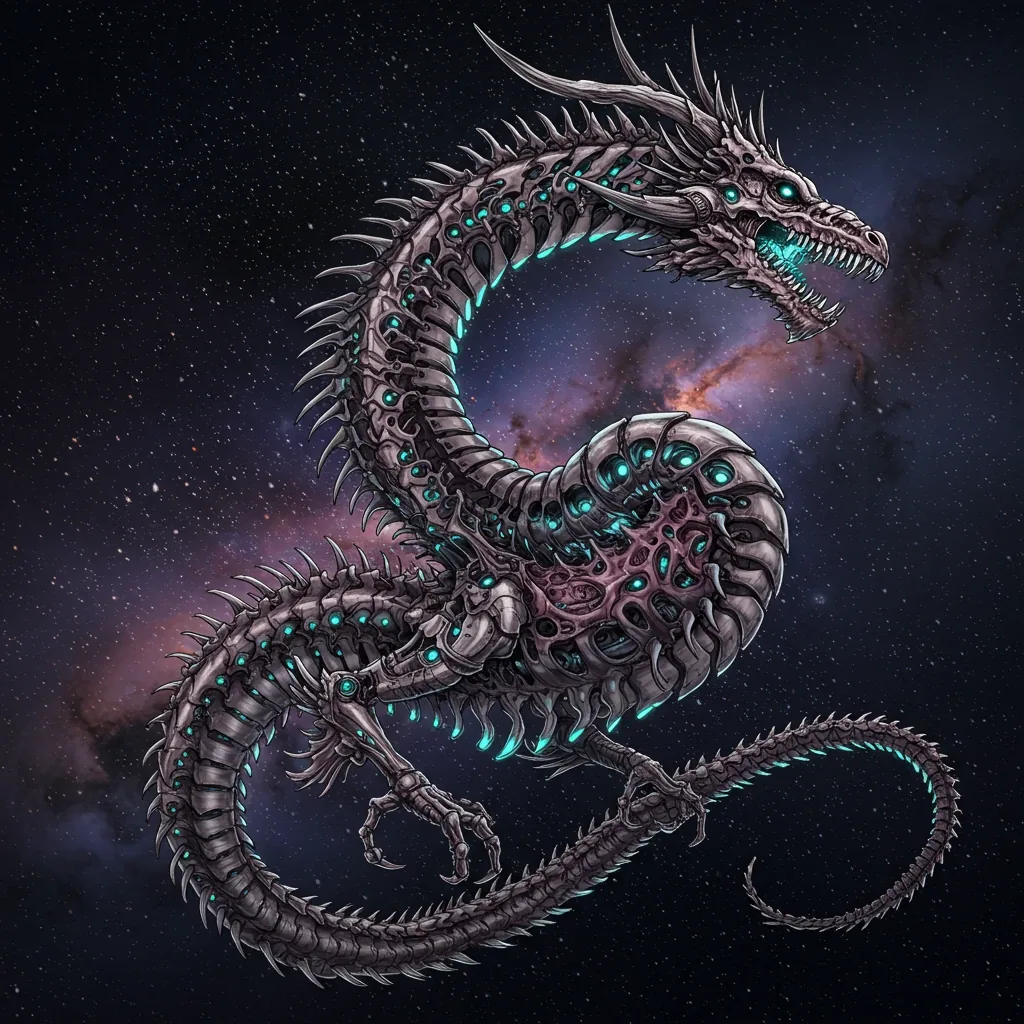
A creature built from mechanical detail
A curled silhouette holds a complex design together. Trace the limbs, scales and tail at full size to spot accidental joins and repeated forms.
Provider artwork source · Source checked
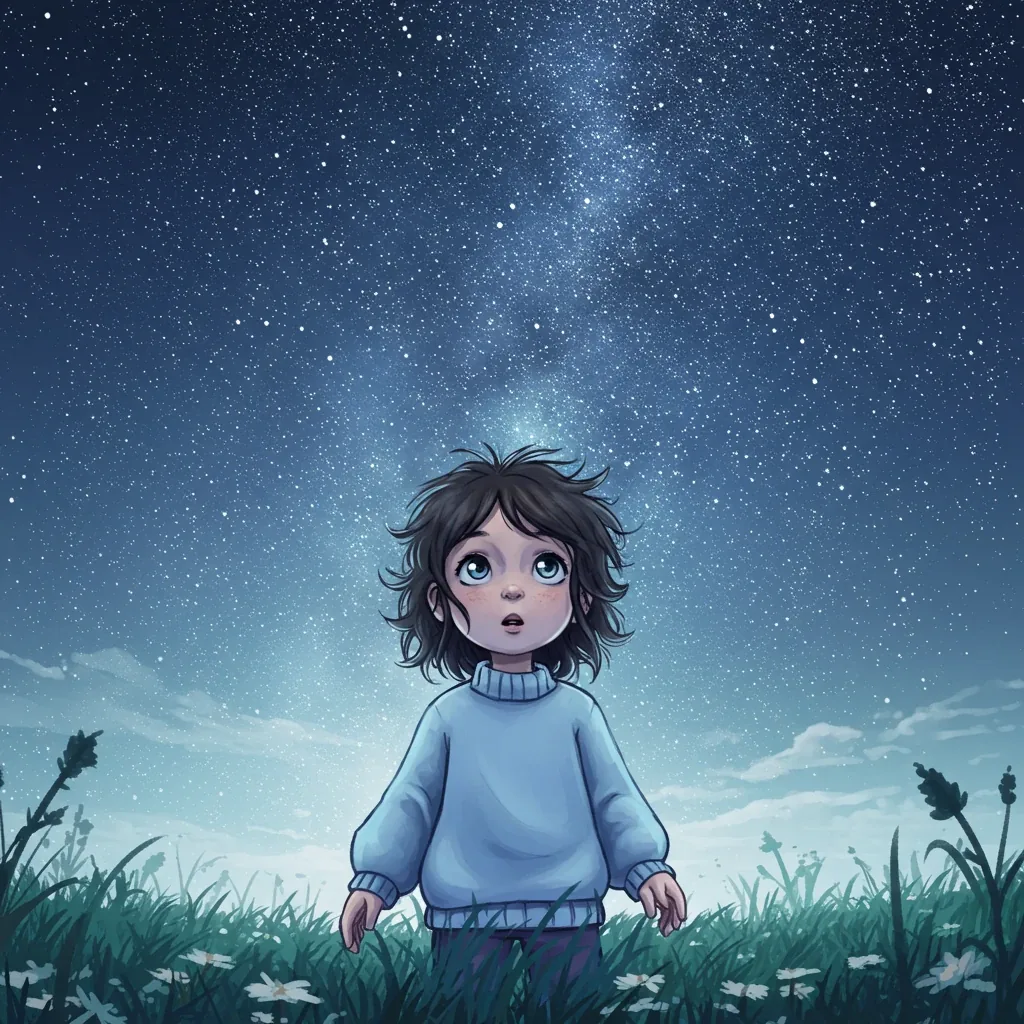
A character beneath an expansive sky
The front-facing character makes the mood easy to read. This is a distinct tutorial image from the earlier wide, rear-facing scene, rather than a crop of it.
Provider artwork source · Source checked
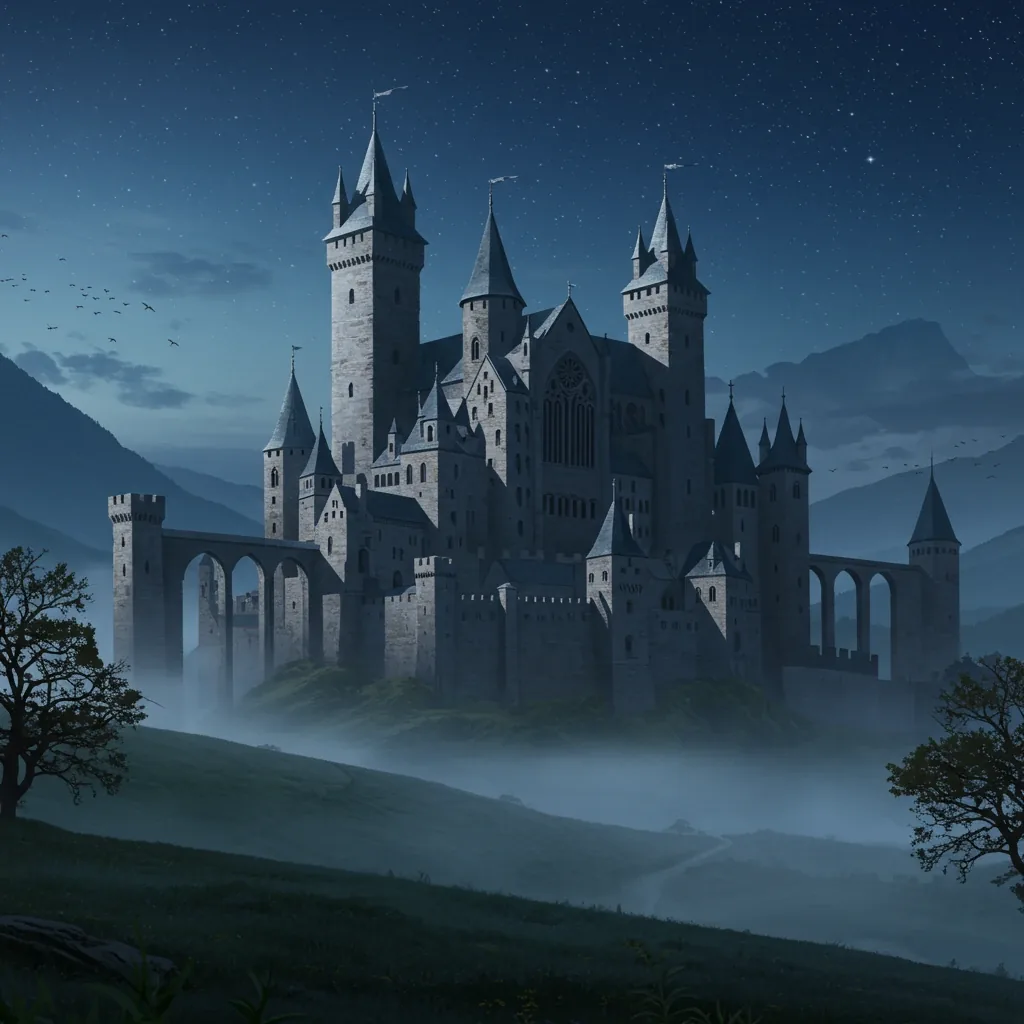
Architecture emerging from mist
Layers of fog separate the towers from the landscape. Inspect windows, rooflines and reflections before choosing an architectural scene for your own presentation.
Provider artwork source · Source checked
Source: Craiyon's official artwork previews. These are Craiyon’s official tutorial previews, with the initial three checked October 3, 2026 and the additional sources checked October 8, 2026, not our own generated results. The tutorial provides prompts and some settings, but these images do not establish the model, account tier, cost or Free download behavior. Keep the walkthrough’s Free watermark and attribution guidance.
Try the presentation-illustration promptWhat Craiyon does
Craiyon turns text prompts into images in a browser. Its free tier provides base-quality results with watermarks and possible waits. The official FAQ describes a limited number of free images but does not give a fixed count or reset schedule. Text-only generation does not consume edit credits; retouching or using an image as input is a separate credit action.
- Text to image
- Prompt-based image generation
Best for
- ✓ Simple presentation illustrations where a watermark and credit are acceptable
- ✓ Personal visual brainstorming before a final design
- ✓ Practicing concise prompts with a text-only workflow
Important limits
- • Free image count and reset schedule are not published on the checked FAQ
- • Free results have base quality, watermarks and possible waits
- • Editing or using a reference image is separate from text-only generation
- • Non-subscribers must credit Craiyon for commercial use and follow its terms
- • The terms require users to be of legal majority in their jurisdiction
FreeAIList verdict
Craiyon is worth considering for a small illustration or a visual draft when a visible watermark and attribution fit the project. Start with text only and check the downloaded image at its intended size. For client work that needs clean exports or private generation, confirm the appropriate paid features first. Its unspecified free quota makes it a poor basis for promising a fixed number of deliverables.
Paid plans: Paid plans add higher-quality output, watermark-free downloads and other features. Check the current pricing page and billing term before subscribing.
About this practical guide
Sources checked Oct 2, 2026
Based on Craiyon’s official FAQ, pricing, tutorial and terms. We inspected the signed-out interface and submitted the example prompt, but human verification prevented a completed generation. Image quality, generation time and downloads were not tested.
Compare free image tools →How to create and download your first image
Start with a small illustration you can evaluate quickly. Use text only for this first attempt: uploading a reference image or choosing an editing action introduces a different credit workflow.
Describe one scene
Open Craiyon’s image generator and enter a subject, setting and visual style. Avoid putting the whole presentation brief into one prompt; decide what this single image needs to communicate.
Check the controls before drawing
The interface has style, size and Excluded controls. Use an available free setting and check for upgrade prompts. Do not assume every option shown in the menu is included for free.
Generate, then review
Select Draw now. If human verification appears, complete it yourself. Look for missing objects or distracting details before trying another prompt. Change one instruction at a time so you can see what helped.
Open the result and download
Craiyon’s tutorial places Download among the image actions. Open a finished image and choose the available download. Inspect the saved file before using it; a preview alone does not tell you how it will look on your slide.
Example: an illustration for a school presentation
Suppose your slide explains everyday ways to reduce waste. Use an illustration beside your own bullet points, rather than asking the generator to produce the entire slide. The prompt below is a starting point, not a demonstrated successful result.
Example prompt to try
Flat illustration of reusable water bottle, lunch box and bicycle beside a green school courtyard, simple shapes, teal and warm yellow palette, white background, no text or logos
- Does the image show the idea clearly when viewed at the size you will use? If the bicycle or lunch box disappears, simplify the scene or generate separate illustrations.
- Add headings and labels in your slide editor so you control spelling, contrast and placement. Treat the picture as an illustration, not evidence of a real event.
- Leave room for the visible watermark and credit. A useful caption is ‘AI-generated illustration made with Craiyon — craiyon.com.’ Follow your school’s disclosure rules too.
- Save the downloaded image and the final prompt locally. Check the exported presentation rather than assuming a sharp thumbnail will remain sharp when enlarged.
Where the free plan can get in the way
Craiyon describes free access as limited, with base-quality images, watermarks and possible waits. It does not state a fixed free image count or reset schedule on the checked FAQ. Plan around the result you need, rather than assuming an unlimited daily allowance.
For a quick concept, those limits may be acceptable. For a full-screen presentation image, inspect edges and small details at the intended size. If the result is unsuitable, change the layout or choose another tool instead of stretching a small image until it looks blurred.
Text-only generation does not consume edit credits according to the pricing FAQ. Retouching or using an image as input is a separate credit action. An upgrade prompt for editing does not establish that ordinary text generation has a monthly reset. Check which action triggered the limit before deciding to pay.
If you see a traffic message, try later and keep a fallback illustration for a deadline. We have not measured the queue, so there is no reliable wait-time estimate here.
Craiyon’s free-access FAQ ↗Can you use the result in a paid project?
Craiyon permits commercial use subject to its terms. Non-subscribers must credit Craiyon in accompanying text; its terms allow the logo in a corner if accompanying text is impossible. Attribution does not remove the other restrictions in the terms.
For a client job, agree where the credit will appear before making the final design. If a clean, private or attribution-free deliverable is essential, confirm the appropriate plan first. Do not promise the client exclusive rights to an image just because it was generated from your prompt.
The terms also require users to be of legal majority in their jurisdiction. A school-related example is not a statement that every student is eligible to use the service.
Craiyon’s terms, including commercial use ↗When to choose Recraft instead
Consider Recraft when your personal project needs vector graphics or a canvas-based design workflow rather than a single prompt-to-image result. Its pricing page lists vector generation and editing tools.
Recraft’s free-plan images are public and are not licensed for commercial use. It is therefore an option for eligible personal experiments, not a free replacement for Craiyon in paid client work. Check the current plan before committing to the workflow.
Official sources
These links support the important free-offer claims on this page.
- Craiyon free-access FAQ ↗
Craiyon describes limited free images with base quality, watermarks and waits; it gives no fixed free image count or reset schedule. Text-only generation does not consume edit credits.
- Craiyon pricing and edit credits ↗
Text-only generation does not consume edit credits; image-input and retouch actions do. Paid plans include higher-quality output and watermark-free features. There is no public API at the time checked.
- Craiyon interface and download tutorial ↗
Craiyon documents prompt, style, size and Excluded controls, and Download among image actions; saved favorites and history require login.
- Craiyon terms and commercial use ↗
The terms require legal majority. Commercial use is subject to the terms, with accompanying text credit for non-subscribers or a corner logo if text is impossible; other restrictions remain applicable.