
Is Recraft free?
Generate and edit vector illustrations or icons for personal projects with a daily credit budget.
Current free offer summary
Recraft documents 30 daily credits renewed every 24 hours, without rollover. Free allows three image uploads per day and up to two outputs per prompt. Costs vary by model and action: the checked Studio table lists V4.1 Vector at 4 credits per image and V4.1 Pro Vector at 12. This is not a guarantee of 30 vector images; check the displayed cost and count.
Recraft image examples
Artwork featured on Recraft's official site. Select an image to view it full size.
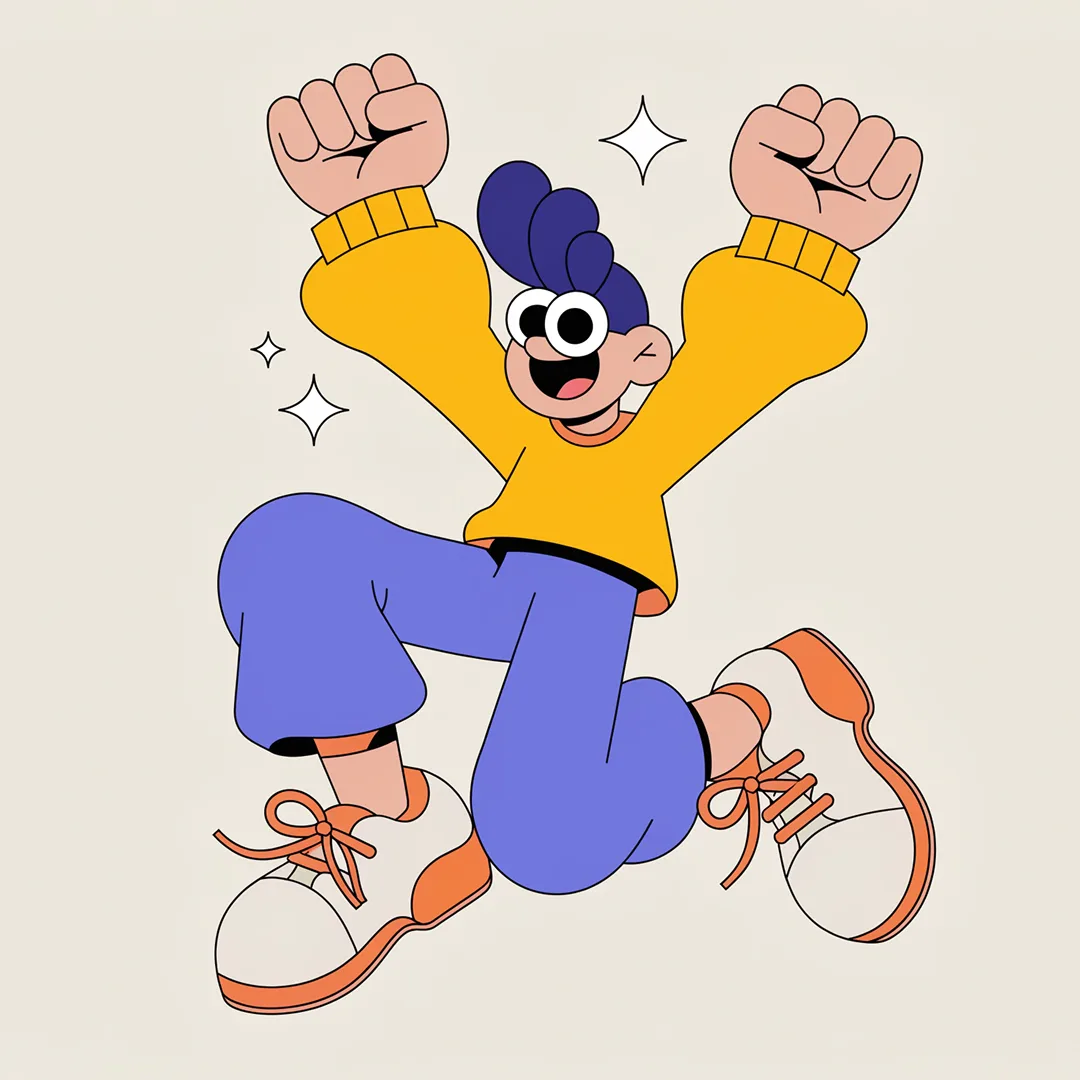
A clear character silhouette
Large shapes and a small palette make the pose easy to read. Inspect fingers, overlapping limbs and shoe details before choosing a similar illustration for your personal project.

Consistent outline icons
The repeated line color ties different subjects together. For your own set, also compare line thickness, spacing and recognition at the size of a small label.
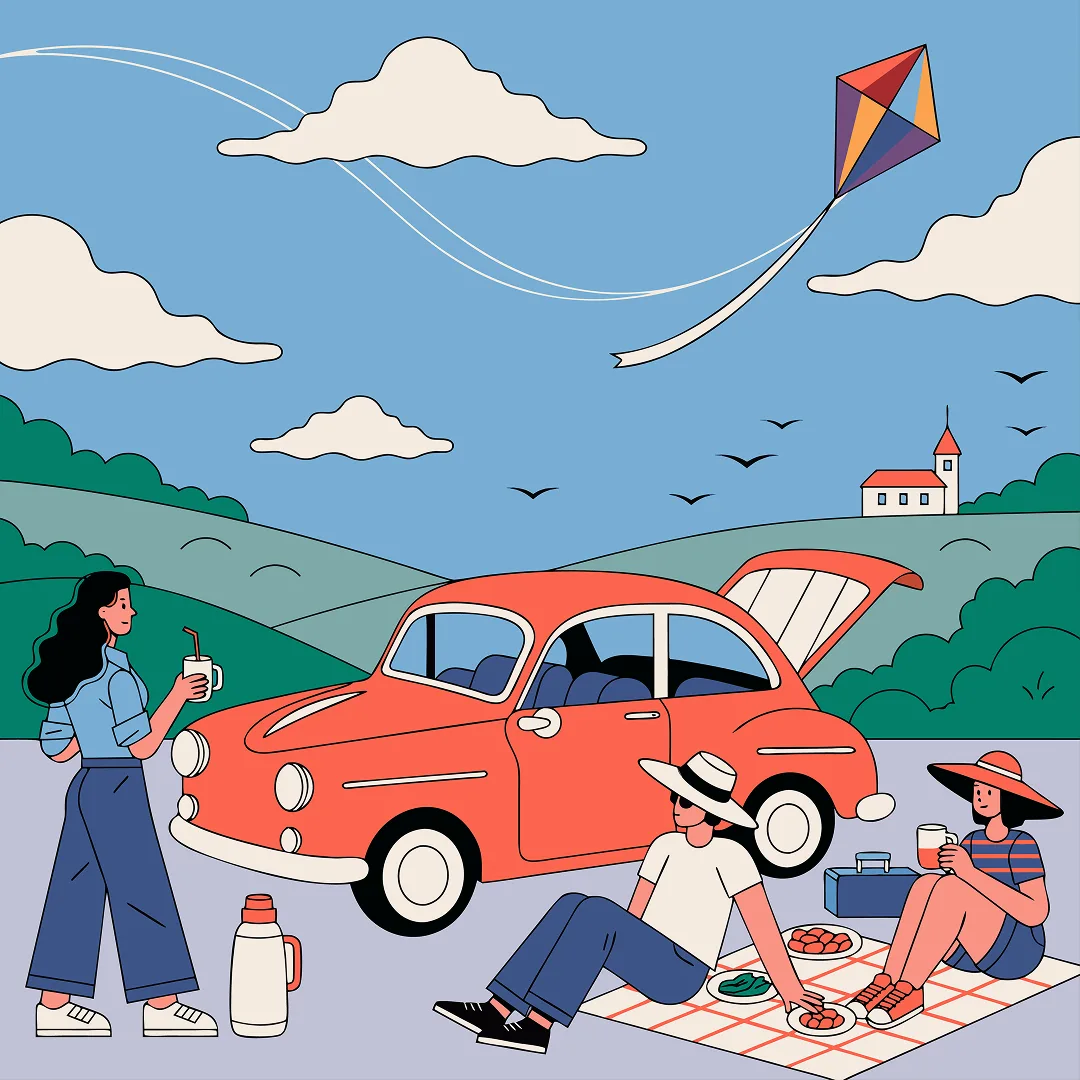
Layered scene illustration
The car anchors the scene while the kite draws attention upward. A detailed scene needs a larger viewing area than a planner icon; simplify the brief when small-size clarity matters.
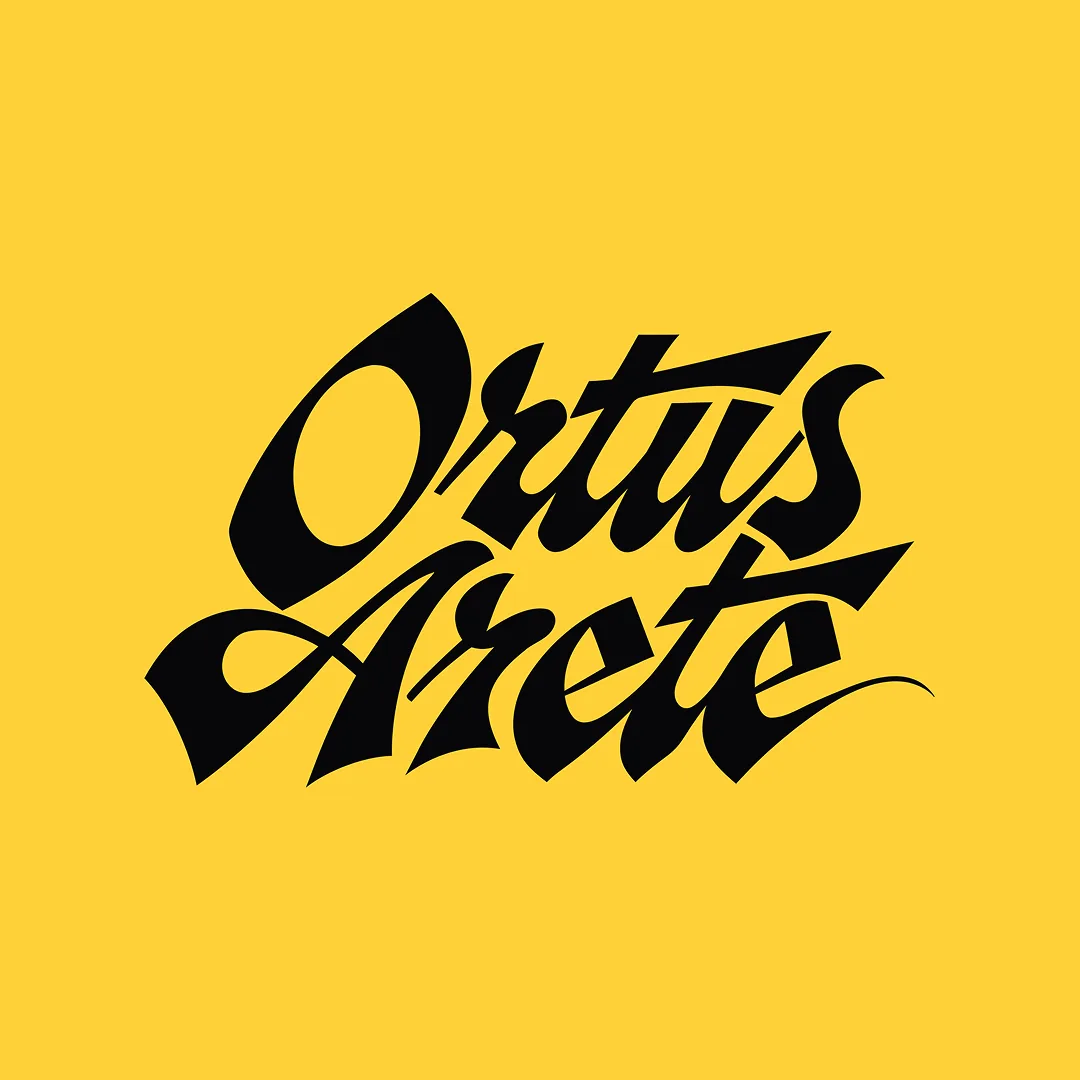
Lettering as a graphic shape
The tight letter arrangement creates a compact mark. Check every word and the joins between letters; this is a raster preview of the provider’s vector showcase.
Provider artwork source · Source checked
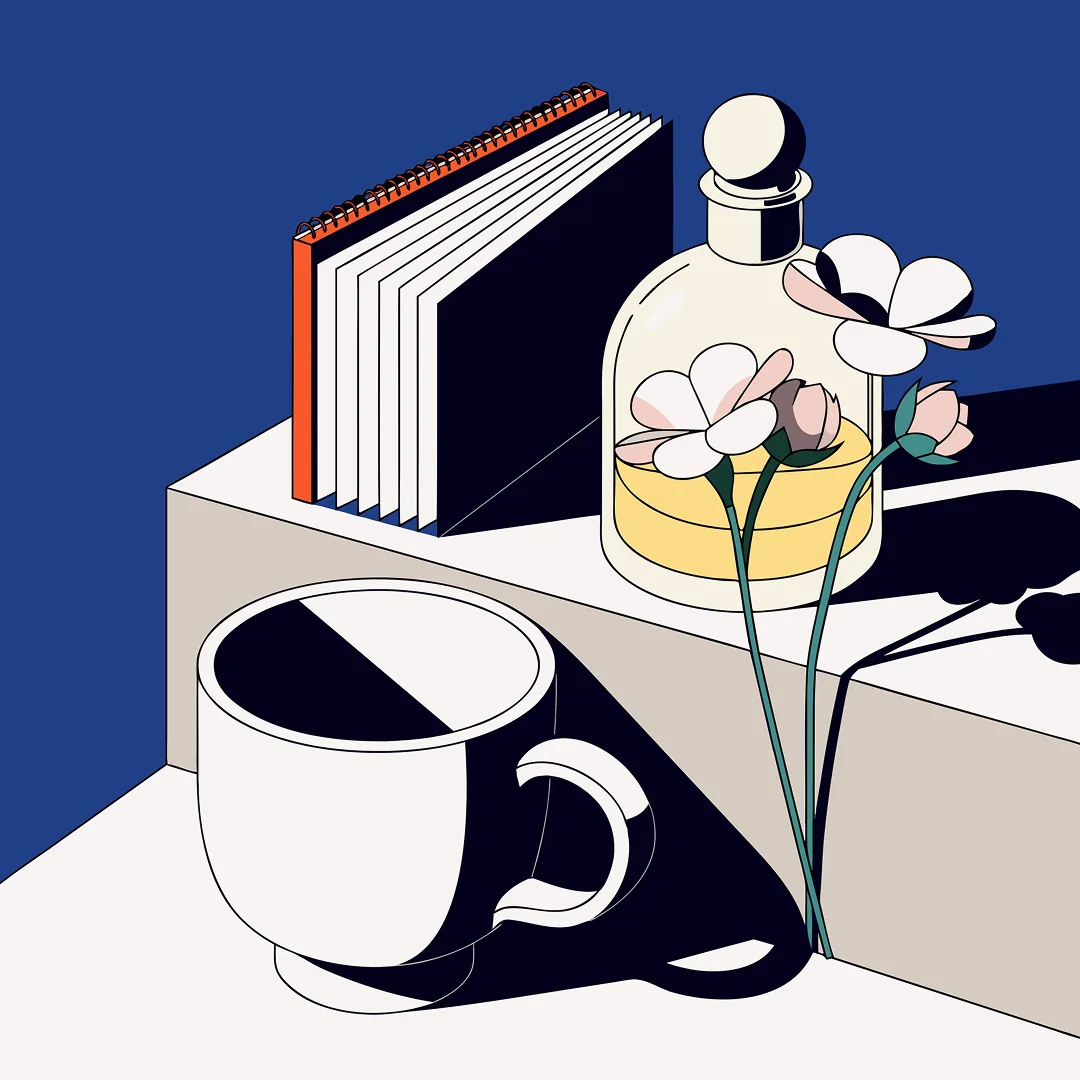
An editorial still life with crisp shadows
Diagonal shadows tie different objects together. Review the handles, stems and shared perspective before adapting a similar arrangement to your own design.
Provider artwork source · Source checked
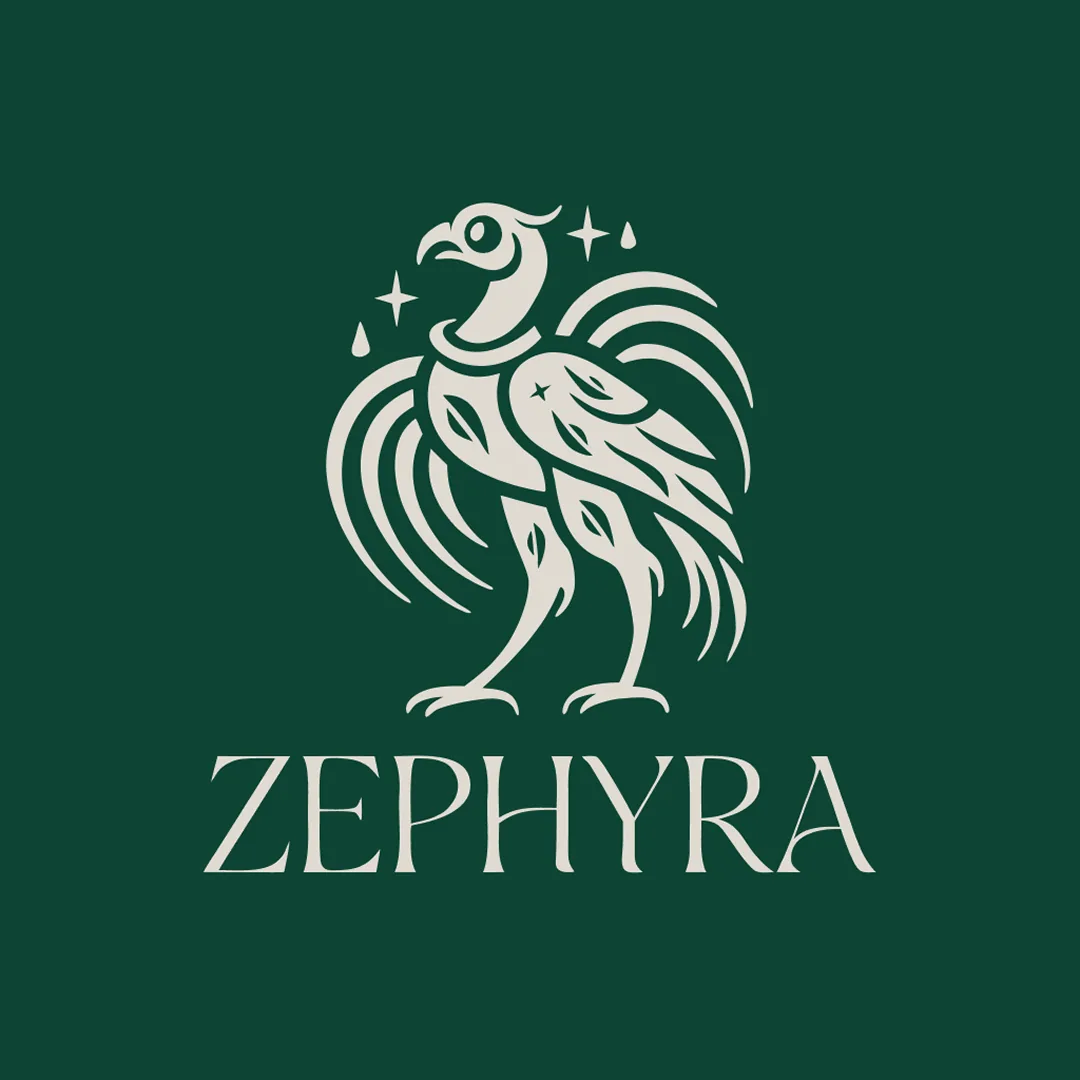
An ornamental bird mark
The bird and lettering form a simple vertical hierarchy. Inspect thin strokes and exact spelling at small sizes; the pictured mark is inspiration rather than a cleared brand asset.
Provider artwork source · Source checked
Source: Recraft's official artwork previews. Recraft labels this gallery as V4.1 Vector examples. These are raster previews of its artwork, not downloadable SVGs or our own test results; their account tier and credit costs are not established.
Try the personal-planner icon promptWhat Recraft does
Recraft Studio combines image and native vector generation with a canvas and shape editor. In Create, choose Vector, a model, a ratio and a palette before generating. Refine the shapes and export SVG for scalable personal artwork. Free output is public and has personal-use restrictions; its daily credits are separate from API billing.
- Text to image
- Vector generation
- Icon generation
- Image editing
Best for
- ✓ Personal SVG illustrations
- ✓ Matching icons for a personal study planner
- ✓ Learning shape editing and vector export
Important limits
- • Free generations are public and may appear in the community gallery
- • Free-tier generated assets are owned by Recraft and are not licensed for commercial use
- • Daily credits do not roll over; image counts and model costs affect consumption
- • Three daily uploads and up to two outputs per Free prompt
- • Native Vector generation does not accept reference images
- • A frame needs only vector elements for SVG/PDF vector export
- • No universal watermark rule is specified in the checked export instructions
- • API Units are separate from the daily Studio allowance
FreeAIList verdict
A useful personal vector practice tool when you want to change shapes and inspect an SVG rather than only save a raster image. Start with one planner icon, check it at a small size, and reuse a consistent palette for the next subject. The public-output and non-commercial Free rules make it unsuitable for a confidential client asset or a product you plan to sell.
Paid plans: Paid plans add credits, private generation and ownership/commercial rights for assets created while subscribed. Credit top-ups require a paid plan. API Units are prepaid separately from Studio credits. Check current plan pricing and do not assume upgrading clears an earlier Free asset.
About this practical guide
Sources checked Oct 3, 2026
Based on Recraft’s current Studio, credit, export and licensing documentation. The gallery contains Recraft’s official vector showcase previews, not our own generated results. The personal-icon prompt is an original exercise; no signed-in generation, SVG download, speed or API request was tested.
Compare free image tools →Start a personal vector project in Recraft Studio
Use this exercise for a personal study planner, where you need a small symbol that stays recognizable at different sizes. Free generations are public and are not licensed for commercial use, so keep confidential references, client briefs and saleable products out of this workflow.
Sign in and create a project
Open Recraft Studio, sign in and choose Create new project. Start with a blank canvas so you can compare attempts without overwriting the one you want to keep.
Use Create and select Vector
Choose the Create tab and the Vector generation type. Pick an available vector model and check its displayed cost. A raster Image result is a different file type, even if its picture has a flat illustration style.
Set one clear visual brief
Use a square ratio and a small palette. Begin with one symbol, set the output count deliberately, and describe the subject, line treatment and background. Native Vector generation does not accept reference images according to the current Vector Editor documentation.
Generate and keep a usable version
Select Generate, then inspect the result at the size you intend to use. For a second attempt, change one visible problem, such as too much detail or an unclear silhouette, instead of rewriting every setting.
Example: matching icons for your personal study planner
Build a three-symbol set for reading, revision and breaks. Start with the book below; keep the visual treatment and replace only the subject with a pencil, then a mug. This tests whether the shapes look like one family without asking a single image to arrange a perfect grid.
Example prompt to try
One simple vector icon of an open book for a personal study planner, centered square composition, dark teal rounded outlines, a small warm orange accent, cream background, consistent medium line weight, broad simple shapes, generous empty margin, no lettering, no logos, no shadows, no gradients
- Shrink the preview to the size of a planner label. Can you recognize a book without zooming? Remove tiny page lines if they merge into a dark patch.
- For the pencil and mug, keep the same colors, margin and line treatment. Compare all three side by side; a similar prompt alone does not guarantee matching shapes.
- Keep labels such as ‘Read’, ‘Revise’ and ‘Break’ as editable text in your planner. The icon should communicate the activity even when lettering is absent.
- Save the prompt and model choice with your drafts. If one symbol is already clear, adjust its shapes instead of spending another generation merely to change its color.
- Keep the set for your personal project. Do not sell the icons, use them for a client or assume an SVG download supplies commercial permission.
Plan the 30 daily credits around the selected model
Recraft’s image-examples FAQ documents 30 daily credits renewed every 24 hours. Its credit guide says unused Free credits do not roll over. The Free-plan guide allows three uploads per day and up to two outputs per prompt; uploads and generation credits are separate limits.
The current Studio table lists Recraft V4.1 Vector at 4 credits per image and V4.1 Pro Vector at 12. If those rates apply to your selected settings, two V4.1 Vector outputs use 8 credits, leaving 22 from a fresh 30-credit balance. That is a planning calculation, not a tested charge or a promise of how many successful icons you will get.
Check the displayed cost and output count before generating. Recraft’s credit guide says Create avoids Chat reasoning charges, while Chat messages also use credits. Edits can spend credits too; save room for a focused correction rather than using the whole allowance on the first prompt.
Some marketing copy calls the allowance ‘up to 30 generations per day’. Use the documented credit budget and model costs for planning instead of treating that phrase as 30 vector images. Credit top-ups are available only on paid plans.
Recraft’s model costs, Chat charges and credit expiration ↗Refine the shapes, then check the SVG export
Double-click a vector to enter shape editing, then select a shape to adjust its position or fill color. Start with the large parts: straighten the book’s outer silhouette before trying to repair every small page line. Keep a copy of a useful version so you can compare the correction.
When ready, select the artwork and choose Export, or right-click and choose Export as. Select SVG for a vector file, then open the downloaded file in your intended editor. Also make a standard raster copy if your planner app does not accept SVG. Check the actual saved file at both label size and a larger size.
A frame can export as a vector only when all of its elements are vectors. Adding a raster picture does not automatically turn it into editable paths. Check the file type and layers rather than assuming a sharp preview proves the download is a clean vector.
Look for unexpected marks, missing shapes, cropped margins and colors that disappear against your planner background. The checked instructions do not specify a universal watermark rule; an export’s appearance and permission to use it are separate questions.
Recraft’s shape editing and vector export rules ↗Public personal-use outputs and a separately billed API
Recraft’s Free-tier terms permit personal use, retain ownership with Recraft and prohibit selling, licensing or transferring your Free-tier assets. Its pricing FAQ says those generations are public. Use a generic subject for practice, and choose a different plan or tool before working on a confidential commercial brief.
Paid-plan rights apply to images created while subscribed. Do not assume upgrading later clears an earlier Free result. The terms also prohibit using generated assets to train AI systems, regardless of plan; review the current terms before reusing a finished asset.
An API is available, but its prepaid API Units are separate from Studio’s daily credits. API pricing is based on the operation and model. A free Studio account does not establish a free API allowance, and this page has not tested programmatic generation.
Recraft’s Free-tier and programmatic-use terms ↗When to choose Canva Magic Media instead
Consider Canva when the final job is a planner page or poster with editable headings and dates. Its editor lets you finish the layout around an illustration rather than treating every correction as another image prompt.
Canva Free uses a shared monthly AI allowance and separate licenses for added library elements. Its ordinary layout workflow is useful for exact text, while Recraft is the more direct choice in this comparison for personal SVG experiments. Check rights before moving either result into commercial work.
Official sources
These links support the important free-offer claims on this page.
- Recraft pricing: public Free assets, paid rights and separate API Units ↗
Free generations are owned by Recraft, public and not licensed for commercial use. Paid rights apply to assets generated while subscribed and survive cancellation. API Units are purchased separately from subscription credits; top-ups require a paid plan.
- Recraft Free plan: uploads, output count and public results ↗
Free allows up to three uploads per day and up to two outputs per prompt. Generated images are public and may appear in the community gallery. Top-ups require a paid plan; this page no longer supplies an exact daily credit amount.
- Recraft account and project quick start ↗
Create an account, open a new project, generate, edit and export. Create provides manual settings; Chat is a separate workflow. No signed-in provider test is claimed.
- Recraft Create generation controls ↗
Create supports Vector as a distinct generation type, with model, style, ratio, palette and count controls. Select a result to inspect or reuse it. A flat raster style alone does not establish SVG output.
- Recraft Studio costs and credit expiration ↗
Studio V4.1 Vector costs 4 credits per image and V4.1 Pro Vector 12 in the checked table. Free credits reset daily without rollover. Create avoids Chat reasoning charges; Chat and edits can spend credits. Costs are separate from API Units and top-ups require a paid plan.
- Recraft shape editing and vector-only export ↗
Native Vector generation does not support reference images. Double-click a vector to edit shapes and colors; vector-only frames can export as SVG/PDF, while raster elements must be vectorized first.
- Recraft export controls and file types ↗
The current Markdown instructions describe selecting images, Export or Export as, dimensions, format and resolution; vector images can export SVG/PDF. These instructions do not establish a universal watermark rule.
- Recraft daily allowance and Free rights FAQ ↗
The official FAQ states 30 daily credits renewed every 24 hours. Free output is public and not licensed for commercial use. Model credit rates determine achievable image counts.
- Recraft vector features, signup and showcase previews ↗
The official page advertises no credit card required and SVG export, with examples labeled V4.1 Vector. Marketing up-to-30-generations wording is qualified by current credit costs; previews do not prove a Free account tier, charge or our own test output.
- Recraft Free-tier licensing and API terms ↗
Section 7.1 limits generated Free-tier assets to personal non-commercial use and prohibits sale, license, transfer and AI training. Paid subscription assets and Community Assets have separate provisions; programmatic access uses Developer Terms.
- Recraft separately prepaid API Units ↗
API Units are bought in advance and charged by operation/model. This is separate from Studio subscription credits and does not establish free API access.
- Canva editable-layout alternative ↗
Canva poster workflows use editable text and image layouts. This supports a layout-focused alternative when exact headings or event details matter, without claiming equivalent SVG generation or unrestricted licensing.