

Is Dreamina free?
Create and refine image concepts with daily free credits; eligible accounts are listed with 120 credits per day.
Current free offer summary
Dreamina lists 120 credits per day for eligible free accounts in its official wallpaper guide. The image FAQ states daily free credits without a fixed amount. Check your account balance and displayed cost; this is not 120 images, and model, resolution and selected actions affect usage.
Dreamina image examples
Artwork featured on Dreamina's official site. Select an image to view it full size.
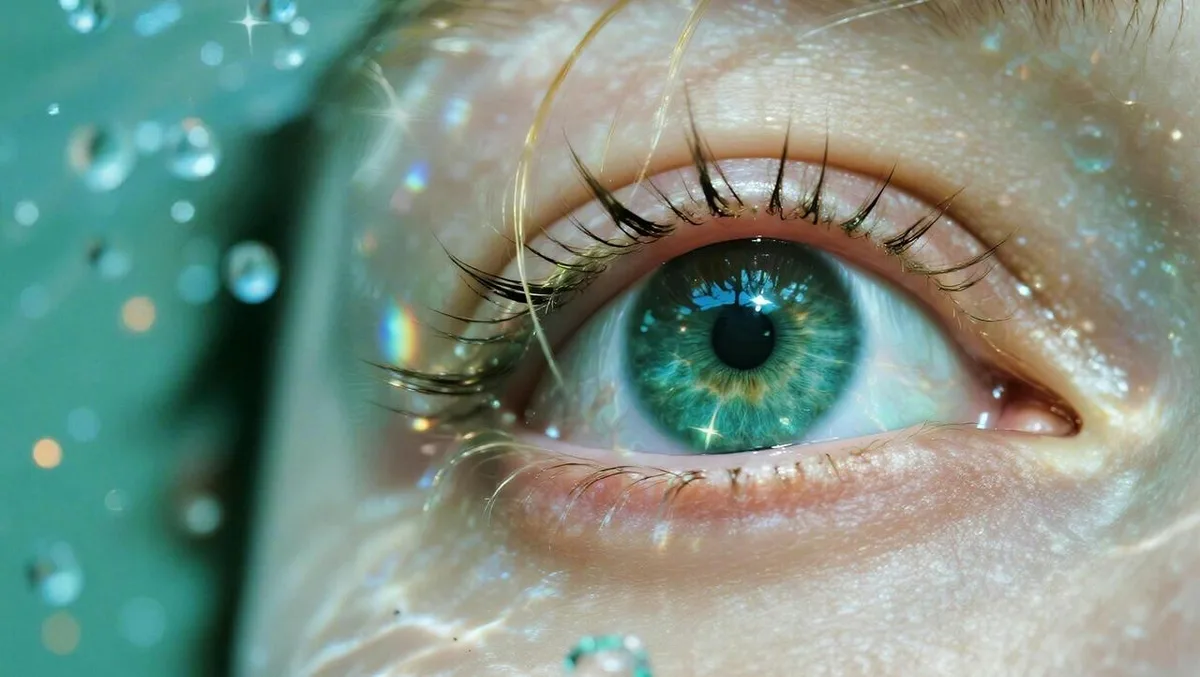
Detail needs a close inspection
The eye is a strong focal point, surrounded by fine textures. Inspect lashes, reflections and skin detail at full size; a convincing close-up is still generated artwork rather than evidence of a real person or event.
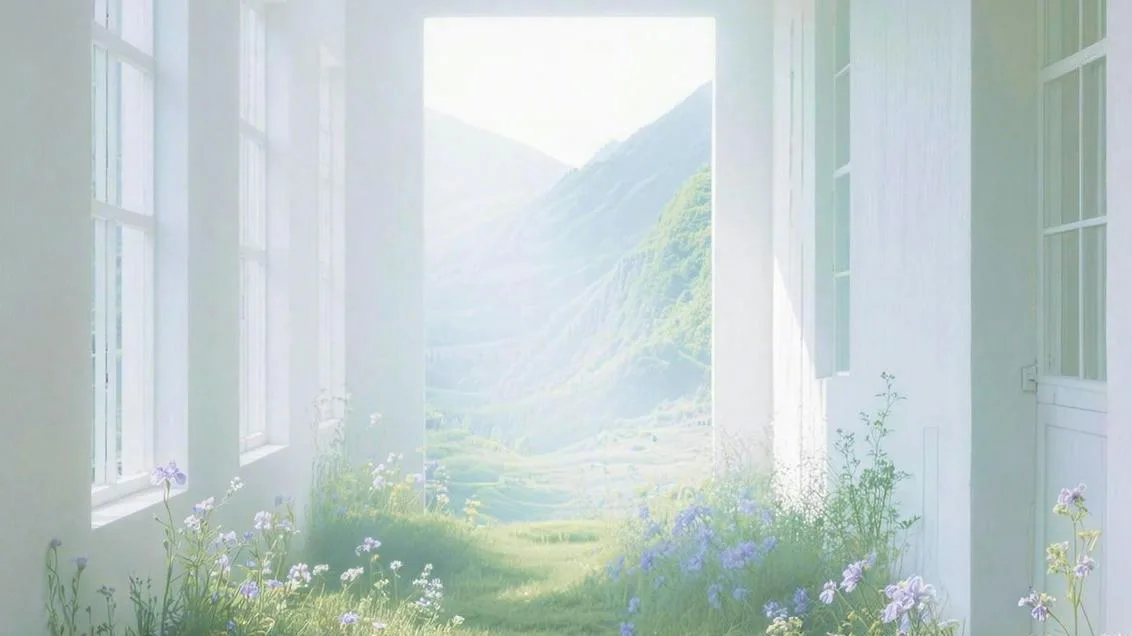
Use depth without losing readability
The corridor guides attention toward the opening. Its pale tones can suggest a quiet background, but text still needs enough contrast. Check the window frames and where indoor flooring turns into grass before choosing a similar scene.
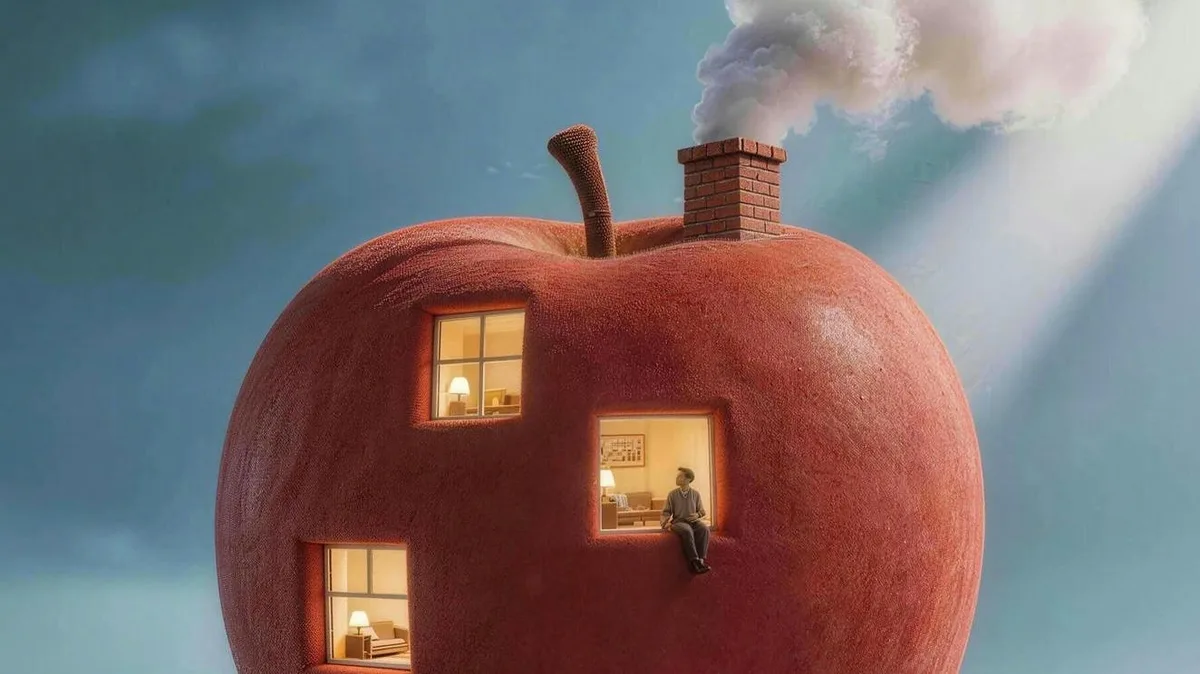
Make the imaginative idea clear
Windows and a chimney turn a familiar fruit into a dwelling. For your own cover concept, keep the key features recognizable at thumbnail size and reserve space for editable lettering. This provider preview is separate from the untested pear-house exercise below.
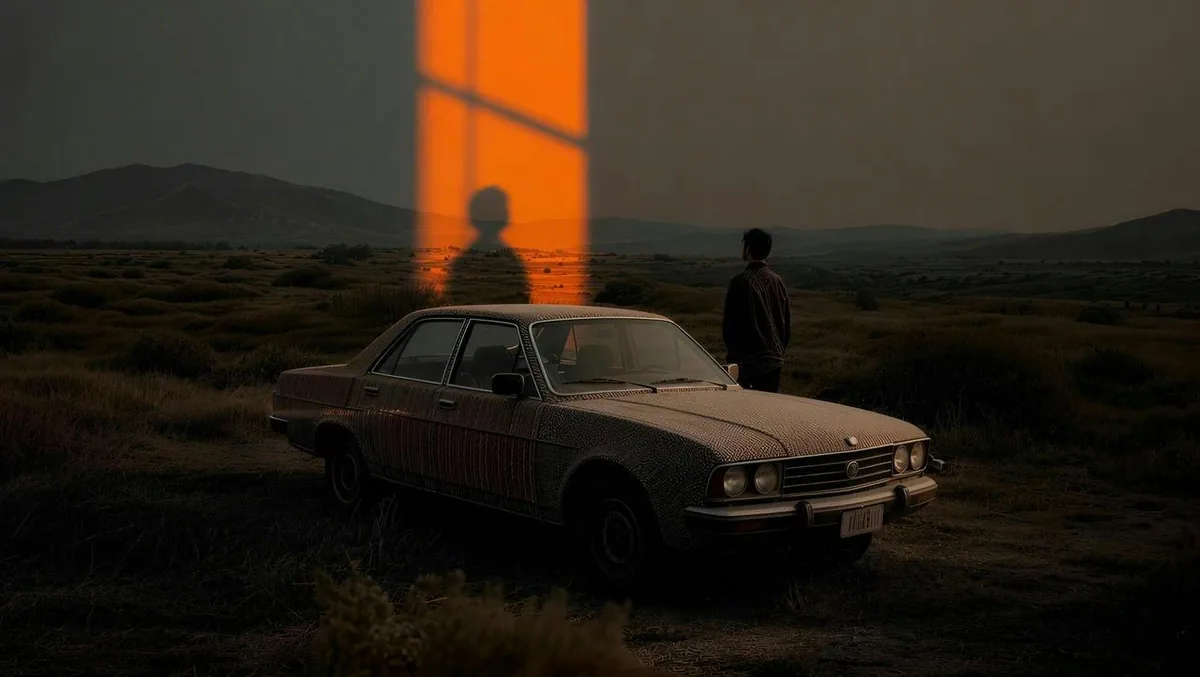
An impossible doorway in a cinematic landscape
The doorway creates the focal point while the small people establish scale. Review the car and shadows separately from the overall cinematic mood.
Provider artwork source · Source checked
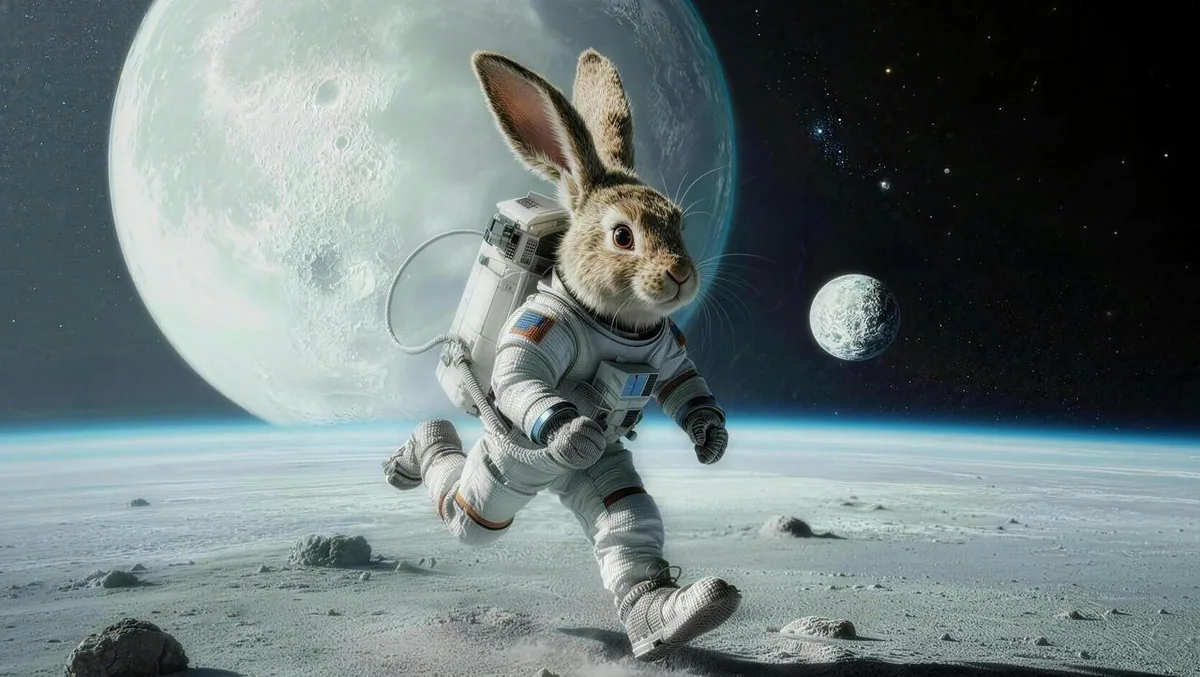
A playful explorer on the moon
The rabbit’s ears keep the character recognizable despite the suit. Inspect the visor, limbs and ground contact when assessing your own animal explorer.
Provider artwork source · Source checked
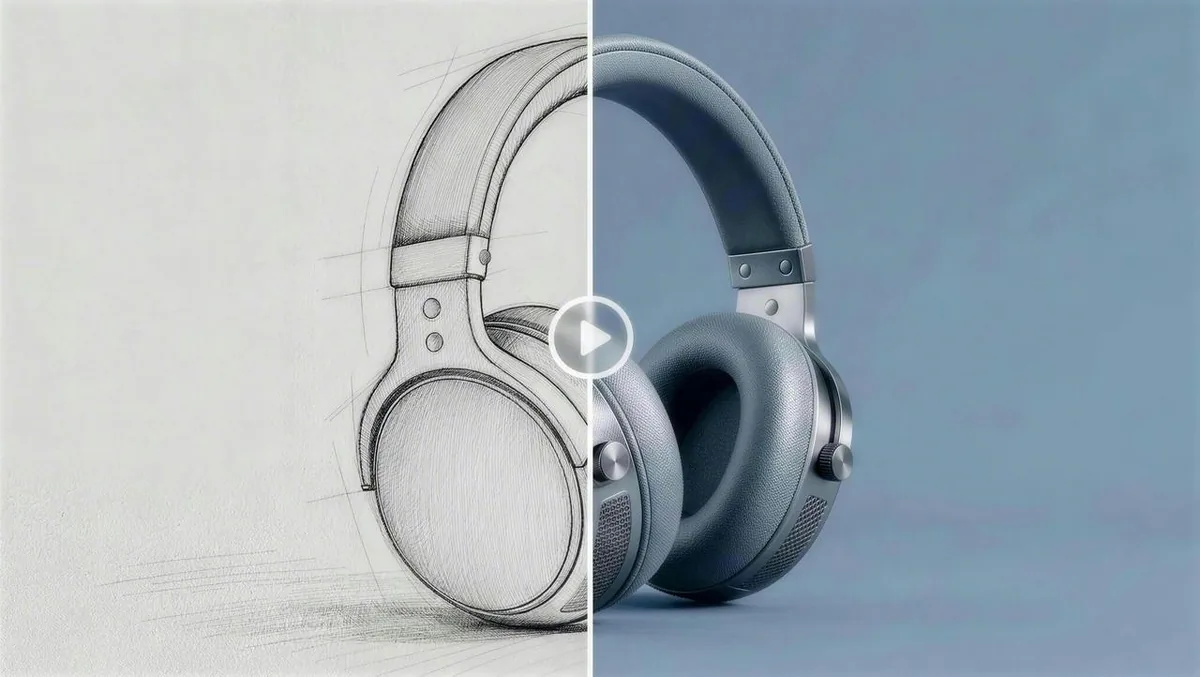
From a sketch to a product concept
Dreamina publishes this as a concept-to-render illustration. Compare shapes across both halves; a polished mockup is not evidence of manufacturability or a tested Free export.
Provider artwork source · Source checked
Source: Dreamina's official artwork previews. These are Dreamina’s official prompt-showcase previews, with the initial three checked October 3, 2026 and the additional sources checked October 8, 2026, not our own generated results. The page provides prompt descriptions, but these pictures do not establish the model, account tier, cost or Free download behavior. Check the actual export and applicable usage terms.
Try the personal story-cover promptWhat Dreamina does
Dreamina combines image generation, reference inputs and editing in a browser workspace. Its wallpaper guide lists 120 daily credits for eligible free accounts, with costs depending on the operation and settings. Make a simple personal concept, inspect the saved file and finish exact lettering in a layout editor. Commercial-use wording differs between the image FAQ and Philippine-region terms.
- Text to image
- Image-to-image
- Image editing
- Multiple image models
Best for
- ✓ Personal story-cover and illustration concepts
- ✓ Comparing image compositions and model options
- ✓ Reference-guided image experiments
Important limits
- • 120 daily credits apply to eligible free accounts, not a guaranteed image count
- • Displayed operation costs vary by model, resolution and action
- • Creative Upscale and watermark removal are advertised as paid benefits
- • Actual Free download behavior has not been tested
- • Commercial-use FAQ and Philippine-region terms differ; applicable permission is uncertain
- • The checked terms grant broad rights over uploaded and generated assets
- • No universal no-card requirement, credit rollover or reset time was established
- • Browser credits do not establish a public Dreamina API quota
FreeAIList verdict
Useful for a personal image concept that needs a focused edit before final layout. Solve composition first, keep a usable draft and inspect the saved file before paying for extra resolution. Confirm applicable terms before selling an output or uploading private client material.
Paid plans: Paid plans add credits and benefits such as watermark removal, priority queues and finishing features. Prices and introductory offers are localized; subscriptions renew automatically. Check the current account checkout rather than treating a regional offer as a universal price.
About this practical guide
Sources checked Oct 3, 2026
Based on Dreamina’s official image generator, wallpaper workflow and Philippine-region terms. We inspected the public documentation and examples, but did not sign in, generate an image, test a download or measure speed. The practice prompt is not a demonstrated result.
Compare free image tools →How to make and save a first Dreamina image
Start with a text-only personal concept. A reference photo can help later, but adds questions about permission and which parts of the original should survive the edit.
Open AI Image and check access
Use Dreamina’s official image generator and sign in if generation requires it. Read the account balance and any region or feature notice. Stay with daily free access unless you intentionally choose a paid subscription.
Choose the model and shape
Select a model available to your account and an aspect ratio suited to the destination. For the story-cover exercise, use an available portrait ratio such as 3:4. Model and resolution choices can change both access and credit cost.
Describe one composition
Enter the subject, setting, palette and where you want empty space. Begin with a modest available resolution. Read the displayed cost after choosing settings; an advertised 4K option is not a promise that it is included in your Free account.
Generate and compare
Compare the available variations for composition before selecting the prettiest texture. Keep a useful draft. If one object is wrong, try a focused edit available to your account rather than spending credits to rebuild everything.
Download and inspect
Use the available download option for the selected image. The wallpaper guide documents JPG and PNG. Inspect the saved file for marks, dimensions and cropping, then place confirmed words in a separate layout editor. Generation access alone does not establish every export benefit.
Example: a cover concept for your own short story
Practice with an imaginary story about a tiny home in a garden. Make the illustration first and add your title in a layout editor. Keep this exercise personal while commercial-use conditions remain uncertain; this prompt has not been tested.
Example prompt to try
Portrait illustration for a personal short-story cover, a tiny cozy house shaped like a pear in a quiet garden, one warm glowing window, soft paper texture, muted green and cream palette, house in the lower half, generous simple sky above for a title, no lettering, no logos, no people
- Is the house recognizable as a dwelling at phone size? Keep the window and entrance clear; simplify garden clutter if it overwhelms the subject.
- Does the upper area leave enough room for a readable title? Adjust placement in your layout before spending more credits on decorative details.
- Check window frames, plant edges and repeated objects. A plausible texture can disguise broken structure when viewed as a thumbnail.
- Add the story title and author name as editable text. Proofread them yourself and label the artwork as AI-generated where appropriate.
- Check the actual downloaded file and keep a copy of the prompt, model and settings. An official showcase picture is not proof of what your chosen Free export includes.
How far do 120 daily credits go?
Dreamina’s wallpaper guide lists 120 daily credits for eligible free accounts. Its image FAQ gives a broader daily-credit description without a fixed count. Use your account’s actual balance and notices when planning; eligibility and operation settings matter.
The allowance is not 120 images. For budgeting only, a 20-credit action would fit six times into 120 credits, while a 40-credit action would fit three times. These are arithmetic examples, not verified model prices. Leave room for a correction and check the displayed cost again when changing model, resolution or action.
Choose the composition before paying for more pixels. The image FAQ places Creative Upscale among paid enhancements, and pricing lists watermark removal among paid benefits. Seeing those controls does not make them free. If finishing requires an upgrade, keep a usable draft and compare the full cost of the intended result.
Paid prices are localized and subscriptions renew automatically. No regional first-month offer is presented here as a universal price or active deal. We have not measured queues or verified a reset time or rollover policy.
Dreamina’s daily-credit and paid-feature guidance ↗Check the terms before selling or uploading private work
The image FAQ says generated images may be used commercially, subject to third-party rights and applicable model conditions. The Philippine-region terms separately describe the services as generally private and non-commercial. Those statements do not provide a clear universal commercial-use answer, so this listing marks it Unknown. Confirm the terms applying to your account, region and model before a client job or sale.
The checked terms say compliant users own their inputs and outputs as between themselves and Dreamina, but also grant broad rights over those assets to the platform and other users. Ownership wording does not establish confidentiality, exclusivity or freedom from third-party claims. Use a fictional brief and references you have permission to upload; confirm privacy conditions before sharing client material.
This page covers the browser creative workflow. Availability of an underlying image model through another provider does not establish a public Dreamina API or a developer allowance funded by these daily credits.
Dreamina terms for the Philippines ↗When to choose Canva Magic Media instead
Consider Canva when the main task is finishing an illustration with an exact title and author name. Its Magic Media workflow adds an image directly to an editable design.
Canva has its own shared monthly AI allowance, Free/Pro assets and content licenses. Check its usage and export notices; Dreamina’s daily credits do not transfer to Canva.
Official sources
These links support the important free-offer claims on this page.
- Dreamina text-to-video workflow; quota evidence now linked separately ↗
Dreamina documents text-to-video as a separate creative workflow. The prior 120-credit claim is retained in review history; current numeric eligible-account evidence is the official wallpaper guide, not a fixed image or video output count.
- Dreamina image generation, daily access, paid finishing and commercial FAQ ↗
Image FAQ confirms daily free credits without a fixed number, model-dependent workflows and possible account requirements. Creative Upscale is a paid enhancement; localized pricing lists watermark removal among paid benefits. Commercial output FAQ requires third-party rights and model review, with conflicting regional terms separately recorded.
- Dreamina eligible-account credits, ratios and JPG/PNG export ↗
Official guide lists 120 daily credits for eligible free accounts, displayed costs by settings, available aspect ratios and JPG/PNG export. Higher resolution and branding-free member exports have access conditions; no universal Free 4K or watermark-free entitlement is established.
- Dreamina Philippine-region terms and asset licenses ↗
Terms describe services as generally private and non-commercial, differing from the commercial output FAQ. Compliant users own inputs and outputs as between themselves and Dreamina, while granting broad licenses to the platform and other users. Confidentiality, exclusivity and universal commercial permission are not established.
- Canva editable-design alternative ↗
Magic Media can add generated artwork into an editable design after selecting description, style and layout. Canva has its own AI usage and asset licenses; Dreamina credits do not transfer.
- Dreamina official site ↗
Dreamina confirms free daily credits for image and video creation without publishing a stable numeric amount.