

Is Bing Image Creator free?
Microsoft image creation with daily fast access, free standard speed and a 24-hour prompt cap.
Current free offer summary
The current creator FAQ states 15 free fast creations per day, then free standard-speed creation within a 200-prompt cap per 24 hours, including Edit image. Multiple images may count as one creation. Some creator-page copy advertises 10 fast creations; check your account counter. Rewards spending is optional.
Bing Image Creator image examples
Artwork featured on Bing Image Creator's official site. Select an image to view it full size.
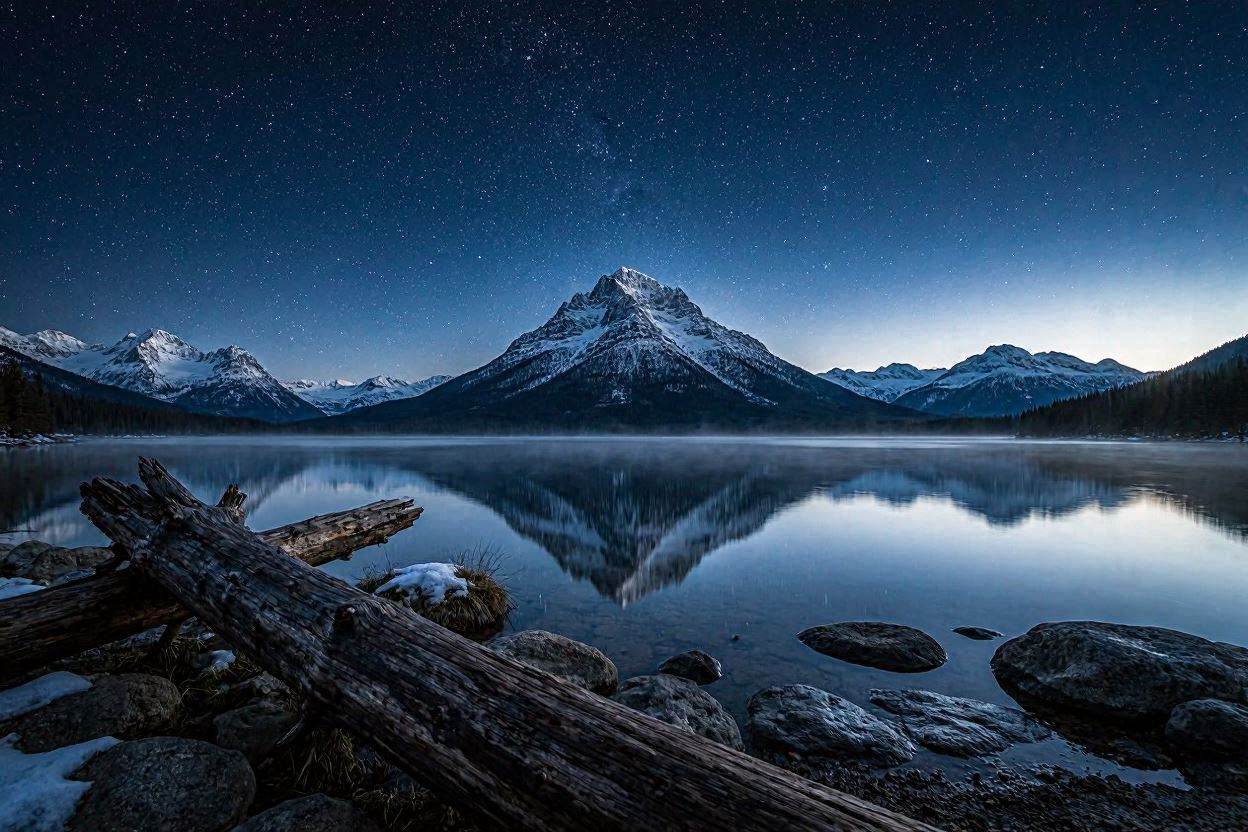
Landscape atmosphere
The reflection and cool colors create a calm scene. A photographic appearance does not make a generated landscape a record of a real place.

Simple character illustration
One subject and a plain background keep the picture readable. Use the same principle when planning a small worksheet illustration.
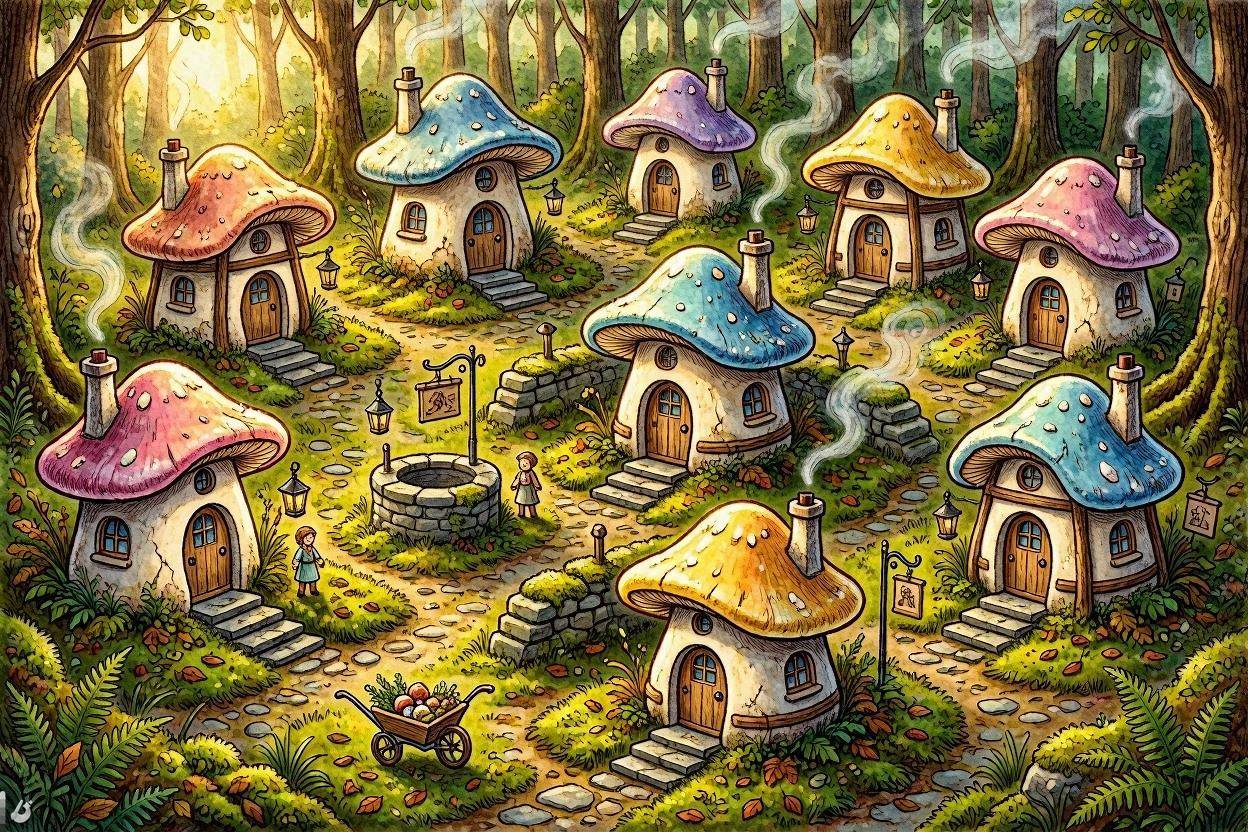
Storybook setting
Repeated roof shapes and warm light make the imaginary village cohesive. Inspect small doors, windows and paths before enlarging similar artwork.

Lettering inside a compact sticker
Thick outlines keep the sticker readable at small sizes. Proofread the lettering and inspect the ribbon’s overlaps; this preview is not an editable vector file.
Provider artwork source · Source checked

A character with a recognizable activity
The cupcakes make the activity clear without a lengthy caption. Inspect hands, tools and the number of objects on the worktop before using a similar illustration.
Provider artwork source · Source checked
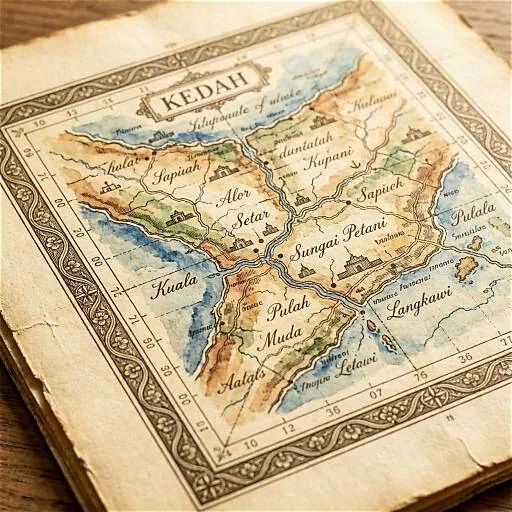
Texture gives a fictional map its mood
The paper and ink create an archival appearance. Treat place names and geography as illustration, and verify any real locations or labels separately.
Provider artwork source · Source checked
Source: Bing Image Creator's official artwork previews. Microsoft provides prompt ideas with these previews; the gallery does not identify the model or creation cost used.
Try the worksheet illustration promptWhat Bing Image Creator does
Bing Image Creator turns descriptions into illustrations using Microsoft's supported image models. The current FAQ names MAI-Image-2.5-Flash and MAI-Image-2e and documents fast and standard creation speeds. A personal Microsoft account supports the full workflow; work or school Entra ID accounts are excluded. Free standard creation is subject to a 24-hour prompt limit.
- Text to image
- Prompt suggestions
- Image variants
Best for
- ✓ Simple personal illustrations and worksheet artwork
- ✓ Same-day concepts within the prompt budget
- ✓ Trying a few variations with a personal Microsoft account
Important limits
- • The current FAQ caps use at 200 prompts per 24 hours, including edits
- • Creation slows after daily fast access; wait time is not guaranteed
- • Personal Microsoft accounts are supported; work or school Entra ID accounts are excluded
- • Rewards settings can spend points on subsequent fast creations
- • Generated creations are stored for up to 90 days; keep local copies
- • Visible-watermark guidance differs across official pages; preserve provenance signals
- • Terms do not guarantee uniqueness or third-party rights clearance
FreeAIList verdict
A practical option for a few same-day illustrations with a personal Microsoft account. Use a small initial output, review composition and keep text editable in your document. Standard speed remains free within the prompt cap; preserve Rewards points if speed is not essential. Download useful drafts instead of relying on the 90-day history window.
Paid plans: The documented image workflow is free. Microsoft Rewards points can optionally pay for faster creations after the fast allowance; review the displayed point cost and settings. This is separate from a paid image API or other Microsoft subscriptions.
About this practical guide
Sources checked Oct 3, 2026
Based on Microsoft’s current Image Creator FAQ, feature page and terms. Gallery images are Microsoft’s published examples. The worksheet prompt below is an original practice brief; no signed-in generation, speed or downloaded output was tested.
Compare free image tools →How to start and save a Bing Image Creator image
Use one text-only illustration to learn the controls. A simple first attempt is easier to evaluate than a batch with several subjects.
Open the creator with the right account
Visit Bing Image Creator and use your personal Microsoft account for the full workflow. A school or work Entra ID login is not supported. Follow the options actually available in your region and browser.
Choose a mode and shape
The current FAQ identifies MAI-Image-2.5-Flash and MAI-Image-2e. Check the mode picker rather than assuming an older DALL·E tutorial matches your screen. Choose a landscape shape for the worksheet exercise if available.
Describe one clear scene
Specify a subject, setting, visual style and composition. Begin without uploading a reference photo. Set a small output quantity so the first result is easy to inspect.
Generate and review
Use Generate or Create, then examine the picture at its intended size. Keep the same model and shape while changing one instruction, so you can judge whether the revision helped.
Download a useful draft
Open the result and use Download. Save the prompt and settings beside the file. Check the actual file dimensions and visible marks before putting it in a document; a large preview is not a print-quality guarantee.
Example: an illustration for a plant-life worksheet
For a classroom worksheet, make one decorative illustration and write the educational labels yourself. This exercise asks for clear plant parts and open space, without relying on generated lettering or treating an AI picture as a scientific diagram.
Example prompt to try
Landscape illustration for a plant-life worksheet, one small bean seedling in a transparent pot, two broad green leaves, a visible stem and simple branching roots below the soil, friendly cut-paper style, soft green and cream colors, plain light background, plant on the left, open space on the right for labels, no writing, no logos
- Can a student distinguish the leaves, stem and roots at worksheet size? Remove clutter or ask for a simpler silhouette if the parts blend together.
- Check the illustration against your lesson materials. A root growing from the wrong place is a reason to revise or replace it; attractive art does not make the biology accurate.
- Add the labels as editable text in your document. Use arrows that actually point to the intended part and check contrast in a black-and-white print preview.
- Keep any provenance marks and follow your school’s AI disclosure rules. Do not upload student photographs or personal details for this exercise.
- Export one test page before making a class set. If the picture distracts from the task or prints poorly, a simple drawing may work better.
Fast creations, the 200-prompt cap and Microsoft Rewards
The current creator FAQ states 15 fast creations per day and up to 200 prompts per 24-hour period; Edit image counts toward that prompt cap. A creation may return multiple images. Those numbers describe actions, so they are not a promise of 200 finished images or a fixed daily batch size.
After fast creations run out, standard-speed creation remains free within the prompt limit. Do not interpret ‘unlimited Standard’ marketing as overriding the FAQ’s 200-prompt cap. Another creator-page message advertises 10 fast creations; use your account’s actual counter if it differs from the FAQ.
Rewards can keep fast creation available after the free fast allowance. Read the point cost before enabling this setting: the FAQ describes deductions on subsequent fast creations until you change the setting or exhaust the balance. Standard speed is the option to choose when you want to preserve points.
For the worksheet, plan one baseline attempt, one composition correction and one final review. Changing every detail in each retry makes it harder to learn what worked. Save a useful draft before spending the rest of your fast allowance; no queue time is guaranteed here.
Current FAQ: creation counts, edits and Rewards settings ↗Watermarks, downloads and the 90-day history window
The current creator FAQ offers a visible-watermark setting for the current visit. Microsoft’s feature page still describes a bottom-left watermark and C2PA content credentials. Inspect the saved file rather than assuming all exports are unmarked. The terms prohibit removing or altering provenance signals.
Generated creations are stored for up to 90 days according to the FAQ. Keep a local backup of any useful image and its prompt; history is a convenience rather than your only archive. Uploaded reference images have separate retention rules, so the creation-history period does not describe their storage.
Start the worksheet with text only. If a later task needs an upload, use an image you have permission to provide and read the upload notice first. Keep children’s photos, identity documents and other private material out of a decorative illustration workflow.
Creator FAQ: visible-watermark settings and stored creations ↗What to check before using an image publicly
Microsoft’s current Image Creator terms disclaim ownership of prompts and creations, but require lawful use and respect for other people’s rights. They do not guarantee that a result is unique or cleared for your project. Do not treat ‘free’ as a blanket license for every possible use.
For the worksheet, use an original subject and keep the labels editable. For an advertisement or client deliverable, review the intended use separately, including any recognizable people, brands or supplied reference images. Retain the source file and the terms you relied on.
Bing’s browser creation allowance is separate from developer services. A daily prompt limit does not establish a free image API, and this guide does not promise one.
Bing Image Creator’s current terms and provenance rules ↗When to choose NightCafe instead
Consider NightCafe when you want to save claimed credits for a later art session. Its rollover FAQ says credits do not expire, which suits a project you work on occasionally.
NightCafe uses model-dependent credit costs and reward conditions, so a saved balance is not a promise of unlimited images or a faster queue. Bing may be simpler for a few same-day attempts; compare the current controls before moving a deadline to another service.
Official sources
These links support the important free-offer claims on this page.
- Microsoft Bing Image Creator feature FAQ ↗
Microsoft documents 15 daily fast creations, free standard-speed fallback and optional Rewards spending. Personal MSA accounts are supported, while Entra ID is excluded. This feature page describes a visible watermark and C2PA credentials and up to 90-day creation storage; compare its watermark wording with the current creator FAQ.
- Current Bing creator FAQ: models, counts and exports ↗
Browser-expanded FAQ names MAI-Image-2.5-Flash and MAI-Image-2e; multiple images can count as one creation. It states 15 fast creations daily and up to 200 prompts per 24 hours including Edit image, with free standard speed and optional Rewards deductions. Personal MSA excludes Entra ID. Current visible-watermark setting is optional; generated creations are stored for up to 90 days. Upload retention is separate.
- Bing Image Creator March 2026 terms and provenance ↗
Microsoft disclaims ownership of prompts and creations but requires lawful use and respect for third-party rights, without a uniqueness or non-infringement guarantee. Removing or altering content credentials and provenance signals is prohibited. This is not a blanket commercial clearance or a developer API allowance.
- Bing creator controls and official artwork previews ↗
The current creator page supplies mode, shape, quantity and download controls, and a gallery with prompt ideas. It includes 10-fast and unlimited-Standard promotional copy that differs from the expanded FAQ; the guide prioritizes the specific FAQ limits while advising visitors to check their counter. Gallery images are provider previews, not FreeAIList test outputs.
- NightCafe credit rollover for the alternative workflow ↗
NightCafe states credits do not expire and roll over for future use. This supports the alternative for saving claimed credits, not an unlimited image allowance or a guaranteed faster queue.